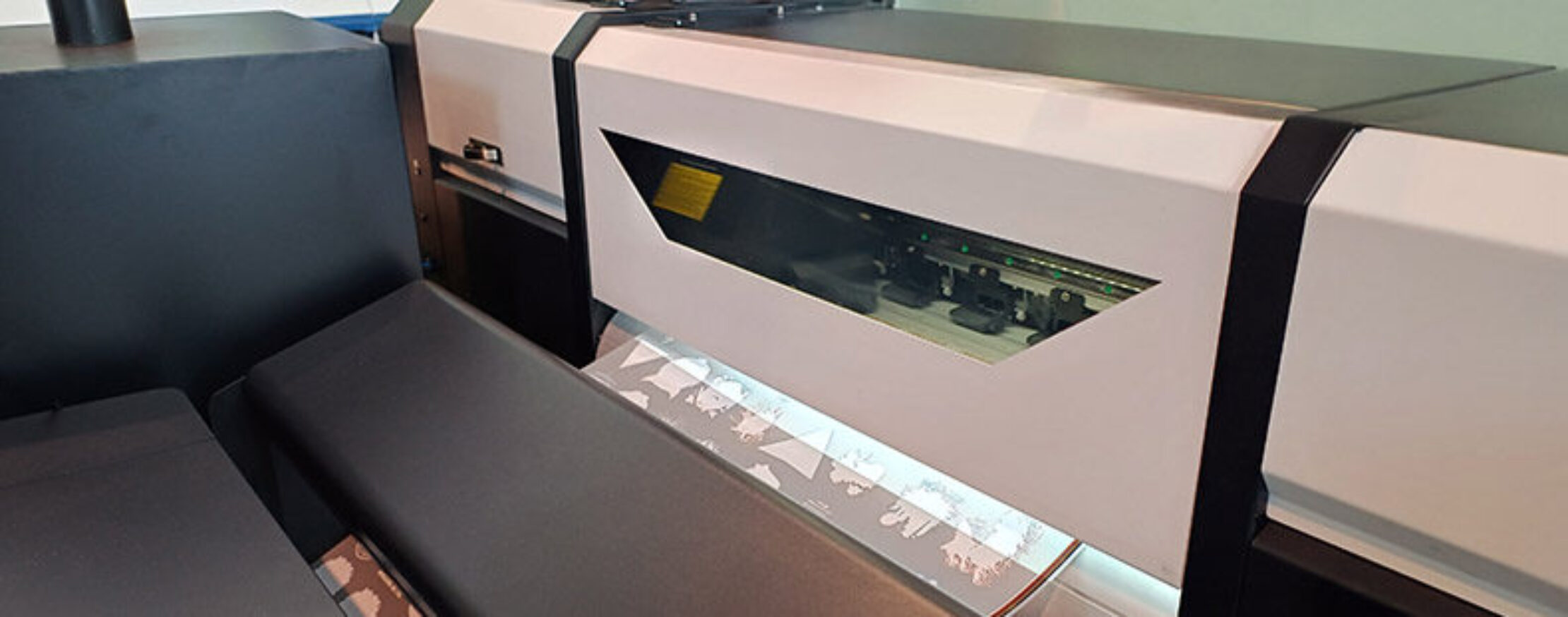
The first step in optimizing processes at printing companies is often overlooked: Without a defined workflow that is accepted by all employees, automation is not possible.
The digital printing industry is under enormous pressure: rising costs, a shortage of skilled workers, and the desire for sustainable production are forcing companies to make their processes more efficient. Automation seems like the logical answer. However, to initiate the transition from manual to automated processes, a structured approach is necessary. Only then can automation be successfully implemented in the long term.
Workflow – More Than Just a Buzzword
In recent years, the topic of “workflow” has become increasingly important in the printing industry. This is due not only to the increasing availability of specialized software solutions, such as HP Site Flow, Xerox FreeFlow (video), or OneVision Wide Format Automation Suite, but also to economic and social conditions. But what exactly is a workflow?
According to Wikipedia, a workflow is a “spatial and temporal sequence of work processes that are functionally, physically, or technically related at a workstation.” In the digital printing industry, this encompasses far more than just the actual printing and finishing processes. From the initial customer contact through data preparation, production planning, and logistics to post-production costing and invoicing—each of these steps is part of a comprehensive workflow.
A key problem: Many of the processes involved in a company’s day-to-day operations are difficult for outsiders—and often even for management—to understand. When workflows are informal or undocumented, it is difficult to improve them. Above all, however, it becomes nearly impossible to automate them, either fully or partially.
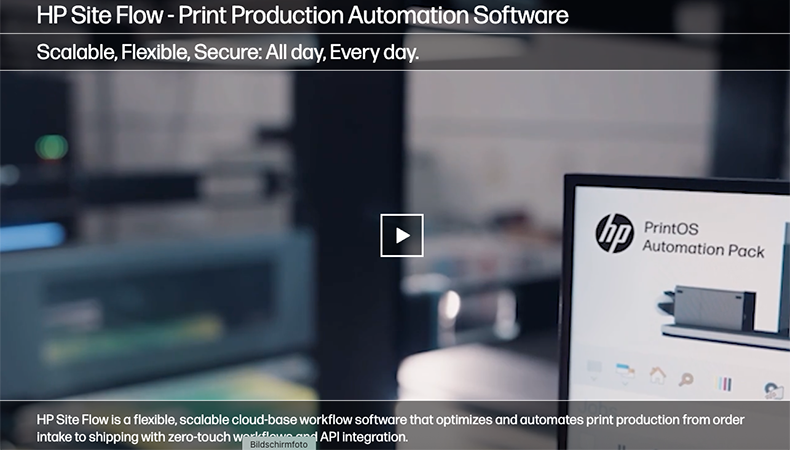
Site Flow is workflow software from HP—Photo: Screenshot
Documentation is just the first step
Automation means transferring work processes to machines or software, which then carry them out independently. That sounds simple, but in practice it is complex and often associated with anxiety. This is because employees fear that automation processes will disrupt their familiar routines or even cost them their jobs.
Many printing companies reach their limits when it comes to documenting workflows as part of implementing comprehensive automation strategies. This is because even when procedures are in place, individual employees or entire departments may not follow them in their day-to-day work.
This is where external support from specialized consulting firms can help. These firms bring not only technical expertise but also experience with change management —an often-underestimated factor for success. After all, changes must not only be planned but also supported throughout the process. And this is best achieved with a partner who speaks the language of the industry and understands its challenges. Providers of workflow software and automation solutions therefore usually also offer consulting services.
However, it often makes sense to bring in independent consulting firms such as Colorbugs, Schwarz Consulting, or FourPees for larger automation projects. This is because these firms have a broader overview of the products available on the market. As a result, they can put together the optimal solution for the customer, regardless of the manufacturer.
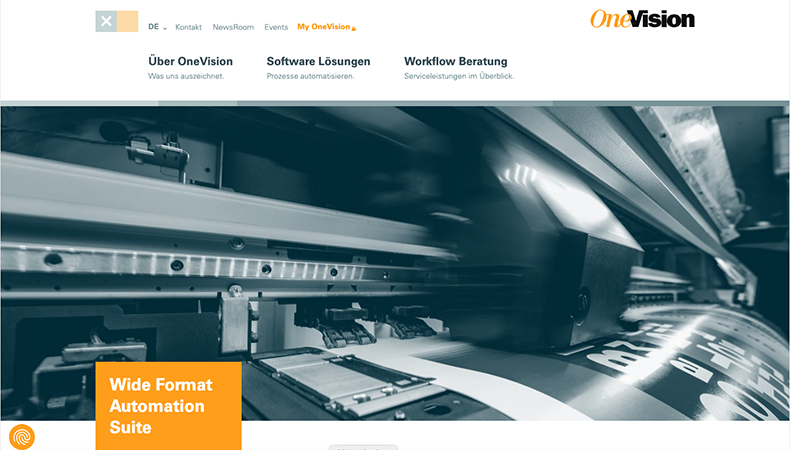
In addition to automation software, OneVision also offers workflow consulting. Photo: Screenshot.
On the Path to Automation
For automation to be successful, five conditions must be met:
- Defining Objectives: What should be automated—and why? Which metrics measure success?
- Process Analysis: Which steps in the workflow are actually suitable for automation?
- Technology Selection: Which tools, platforms, or machines are suitable? In addition to robotics and AI, even simple workflow adjustments can have a significant impact.
- Implementation: Technical, organizational, and legal aspects must be taken into account.
- Employee Integration: Training, motivation, and involvement are key to acceptance.
Automation is therefore not a one-time project, but rather an ongoing process that usually begins with documenting the current workflow. However, this process must be monitored on an ongoing basis.
Process control involves collecting, analyzing, and visualizing data on every step of the workflow. This is the only way to identify bottlenecks, prevent errors, and ensure quality. Modern systems are increasingly relying on AI to identify patterns and make predictions that go beyond human experience.
However, process control is not the exclusive responsibility of management. It should involve all levels of the organization. After all, only when all stakeholders have access to the information relevant to them within the workflow can they make informed decisions and respond in a timely manner.
This not only boosts efficiency within the digital print shop but also increases employee satisfaction. After all, when employees are informed of problems early on, they can take the best possible corrective action.
Automation can help significantly reduce bottlenecks, overtime, and weekend work. This not only saves on labor costs but also helps employees feel valued.
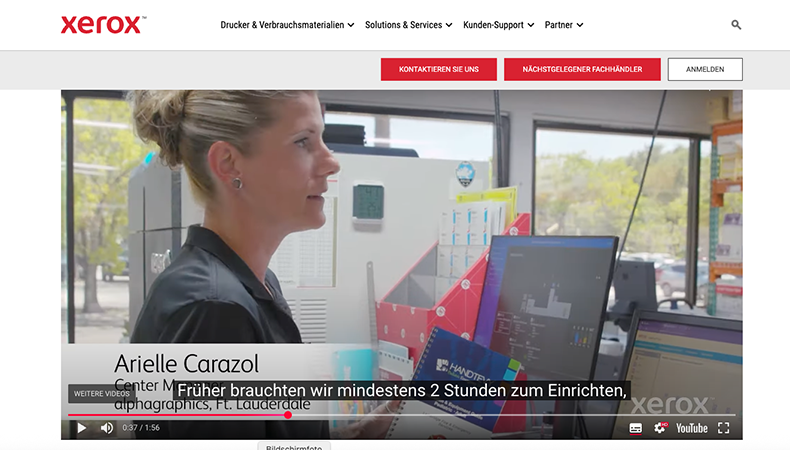
Xerox FreeFlow is primarily designed for prepress workflows. Photo: Screenshot
Automation Only Works When We Work Together
Automation is not an end in itself, but rather a means of increasing efficiency, improving quality, and reducing the workload on employees. However, automation can only be successful if the underlying processes are understood, documented, and monitored.
A well-designed workflow is therefore essential for automation. Process control ensures that this workflow remains transparent, manageable, and adaptable—and makes digital print production ready for the future.