
The printing industry is facing a radical change: cloud technologies are making workflows faster, more flexible and reliable. What should PSPs look for to use cloud solutions efficiently?
In 2026, a modern workflow means much more than just automation of individual production steps. It includes the complete digital networking of order acceptance, data preparation, production and delivery.
Cloud-based systems form the backbone of these processes. They provide real-time access to production data, regardless of location, and create the foundation for seamless collaboration between customers, agencies and PSPs.
The cloud: advantages and disadvantages for PSPs
At its core, the cloud is a network of servers that are accessible via the internet. Instead of storing data and applications locally on a computer or server in the print shop, they are hosted on the cloud provider’s servers.
This offers multiple advantages. Employees can access production data, orders and software from any location and on the go. Centralized storage helps prevent errors caused by duplicate data or outdated versions. Since the cloud provider takes care of the maintenance, the IT effort on site is reduced. This can lead to considerable savings, especially with smaller PSPs without a dedicated IT department. Cloud services are also highly scalable. For new employees or large orders, additional capacities can be easily added.
However, there are also potential disadvantages for PSPs to partially or fully engage in the use of cloud services. It is often not easy to determine where the data is really stored. This can lead to compliance issues with customers. In addition, companies that rely on cloud applications always depend on a stable and fast Internet connection. There is also often the fear that it will be easier to fall victim to cyber-attacks when using cloud services.
Software as a Service (SaaS) and Cloud Services – What’s the Difference?
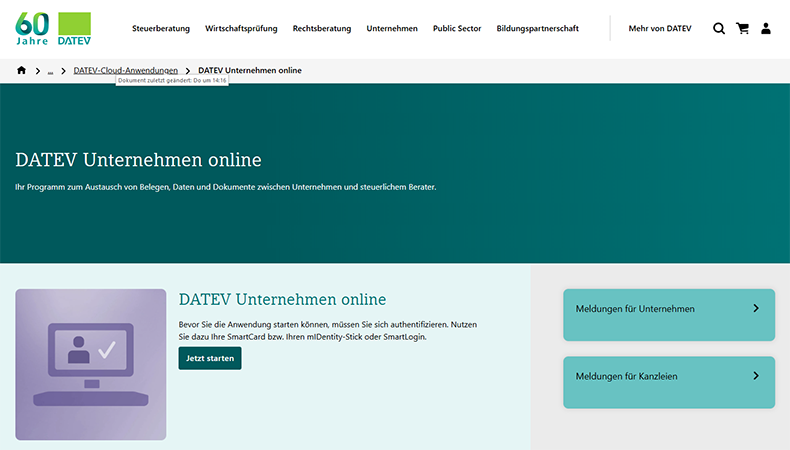
SaaS is a specific model within cloud technology in which software applications are delivered and used over the Internet. Instead of installing programs locally, users access the application via a web browser or app. Examples include Microsoft 365, Adobe Express or Datev Unternehmen Online.
Cloud services is an overarching term that, in addition to SaaS, also includes Infrastructure as a Service (IaaS) and Platform as a Service (PaaS). While SaaS enables the use of ready-made software, IaaS and PaaS provide basic IT resources such as servers, storage or development platforms.
Examples of use cases for the cloud in a print shop
Cloud solutions are already in use in many places in digital print shops and sign-makers:
- Administration, customer and contact management (e.g. iCloud, Google One)
- Recording of working hours (e.g. Toggl)
- Data delivery and archiving (e.g. WeTransfer)
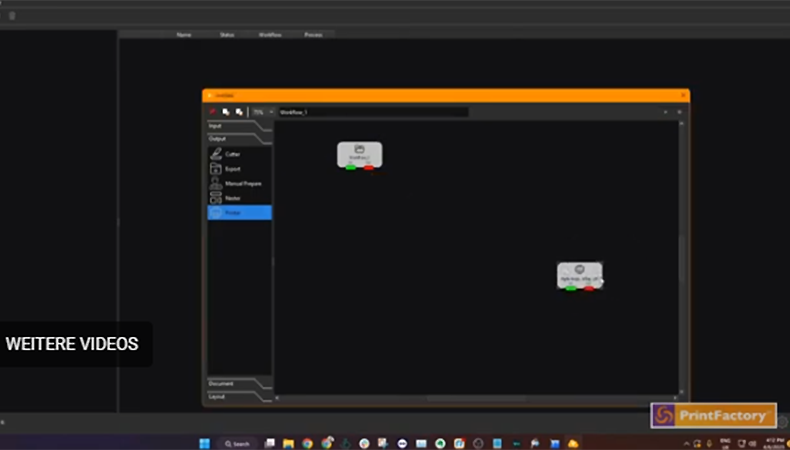
- Data optimization and print preparation (e.g. Printfactory Connect)
- Control, service and monitoring of machines (e.g. Mutoh Direct)
- Logistics and shipment tracking (e.g. Paketda)
- Invoicing, financial management and bookkeeping (e.g. Lexware)
In most cases, especially in smaller companies, these are individual solutions. This means that the company uses not one, but several clouds from very different providers.
Nevertheless, there is usually a noticeable increase in productivity using cloud services. This is especially true if employees work partly hybrid, in a home office or remote, as they can easily access all important data via laptop or smartphone. Changes or delays that occur on site are quickly visible to all responsible colleagues. Lengthy calls or communication via messaging apps are no longer necessary. However, many different cloud services can also create challenges with a PSP. This is because free or low-cost cloud subscriptions, such as Apple iCloud, are not intended for professional use. The provider can therefore quickly block the account because the terms and conditions have been violated. As a result, access to important company data, possibly also valuable hardware, could get lost.
When using many different cloud services, there is always the possibility of transmission errors occurring during manual copying or automatic synchronization. Data protection issues can be tricky, especially when using cloud services with locations in non-EU countries.
Finally, there is also the question of economic efficiency. In most cases, the monthly fee per user and month for cloud services is relatively low. However, even just a handful of apps and services can quickly become expensive for companies with even only a dozen employees. In addition, managing several cloud subscriptions can add up to a considerable administrative effort.
Create efficient cloud solutions
The use of many different cloud solutions for the individual work areas within a PSP is particularly tempting for smaller companies. This is because the individual services are often quite easy to set up and use.
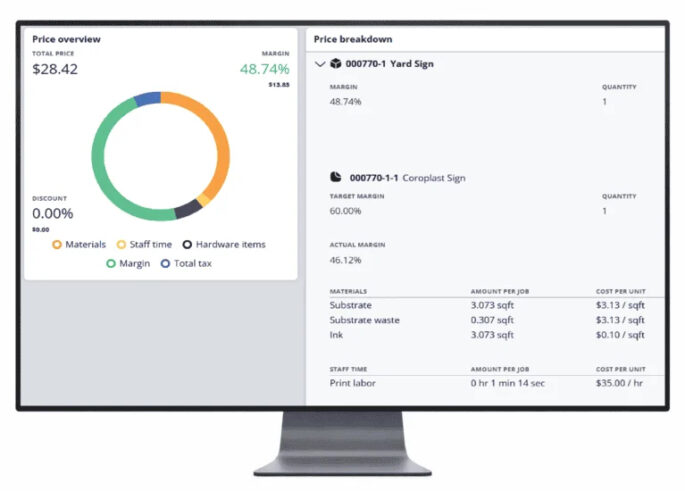
Comprehensive cloud solutions for the printing industry, such as those from the Agfa Asanti family, Caldera Primecenter, Roland DG Connect or HP PrintOS, on the other hand, cover a large part of the process chain from the web shop to invoicing in a single cloud application. However, installation and initial setup can be quite time-consuming.
This is because extensive processes in the company must be mapped. In addition, many solutions run hybrid, so in some cases additional software must be installed on site. In many cases, print service providers need to involve freelance consultants or employees of specialist dealers. This may result in considerable initial costs.
However, if the introduction of cloud services in a print shop is professionally supported, further automation steps are also conceivable. For example, audit-proof email workflows can be set up, e.g. with Konnect E-Mail.
Cloud services also usually have APIs (Application Programming Interfaces). These interfaces allow different software applications to communicate with each other and exchange data or functions. This allows existing office applications to be linked with software for production planning and control, finishing and logistics. The result is a consistent, transparent workflow in which many jobs can be done from anywhere in the world.
Is the cloud worthwhile for PSPs in the long term?
Cloud solutions are likely to already be in use at most PSPs and Sign-makers, even if they are only individual apps on employees’ smartphones. Without MS Sharepoint, Google Cloud Storage, mobile e-mail or additional server and computer capacities, for example from AWS, many PSPs can no longer follow their day-to-day business.
However, not all print service providers have taken the next step towards increasing efficiency. Because with cloud services that map all important processes in the company, many typical sources of error are eliminated. Modern, flexible workplaces are being created that are attractive to highly qualified employees and attract young talent.
At present, comprehensive, well-adapted cloud solutions for small companies are often still too complicated or simply too expensive. Hopefully, simple, practical services will come onto the market for them in the near future.
Because one thing is already certain: Artificial intelligence will take the cloud and efficiency to a whole new level for print shops as well. Companies from the printing industry that cannot or do not want to go along with this will only be successful in very small niches in the future.
Discover more content on the latest software in the industry