
The printing industry is on the verge of a major transformation: Cloud technologies are making workflows faster, more flexible, and more reliable. What should printing service providers keep in mind to ensure they can use cloud solutions efficiently?
In 2026, a modern workflow will mean much more than just the automation of individual production steps. It will encompass the complete digital integration of order acceptance, data preparation, production, and delivery.
Cloud-based systems form the backbone of these processes. They enable real-time access to production data, regardless of location, and lay the foundation for seamless collaboration between clients, agencies, and print service providers.
The Cloud: Advantages and Disadvantages for a Printing Company
At its core, the cloud is a network of servers that are accessible via the Internet. Instead of storing data and applications locally on a computer or server at the print shop, they are hosted on the cloud provider’s servers.
This offers a number of advantages. Employees can access production data, orders, and software from any location—even while on the go. Centralized storage prevents errors caused by duplicate data or outdated versions. Since the cloud provider handles maintenance, on-site IT efforts are reduced. This can lead to significant savings, especially for smaller print shops without their own IT department. Cloud services are also highly scalable. Additional capacity can be easily added for new employees or large orders.
However, for printing companies, relying partially or entirely on cloud services can also have drawbacks. It is often difficult to determine where the data is actually stored, which can lead to compliance issues with customers. In addition, companies that rely on cloud applications are dependent on a stable and fast internet connection at all times. There is also often a concern that using cloud services makes it easier to fall victim to cyberattacks.
Software as a Service (SaaS) and Cloud Services – What’s the Difference?
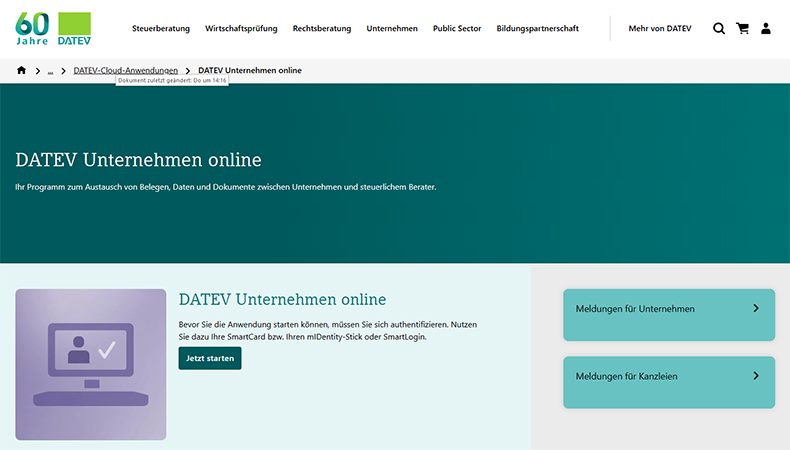
SaaS is a specific model within cloud technology in which software applications are delivered and used over the Internet. Instead of installing programs locally, users access the application through a web browser or an app. Examples include Microsoft 365, Adobe Express, and Datev Unternehmen Online.
Cloud services, on the other hand, are an umbrella term that encompasses not only SaaS but also Infrastructure as a Service (IaaS) and Platform as a Service (PaaS). While SaaS enables the use of ready-made software, IaaS and PaaS provide fundamental IT resources such as servers, storage, and development platforms.
Examples of Cloud Applications in a Printing Company
Cloud solutions are already in use in many areas of digital printing and sign-making businesses:
- Administration, Customer and Contact Management (e.g., iCloud, Google One)
- Tracking of working hours (e.g., Toggl)
- Data Delivery and Archiving (e.g., WeTransfer)
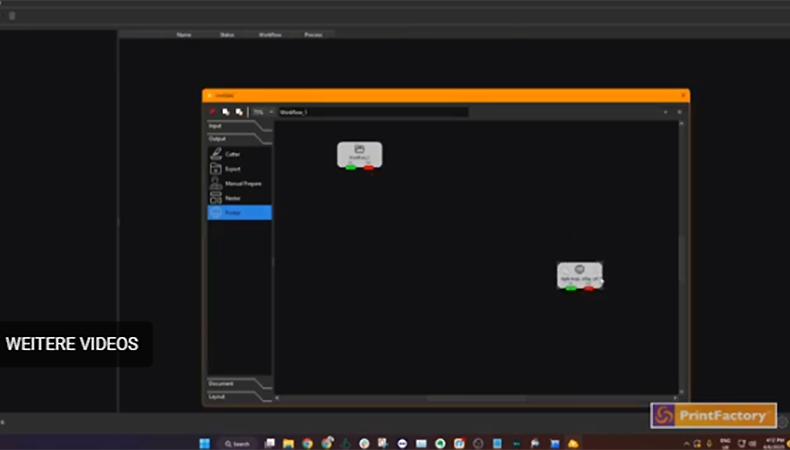
- Data Optimization and Print Preparation (e.g., Printfactory Connect)
- Machine Control, Service, and Monitoring (e.g., Mutoh Direct)
- Logistics and Shipment Tracking (e.g., Paketda)
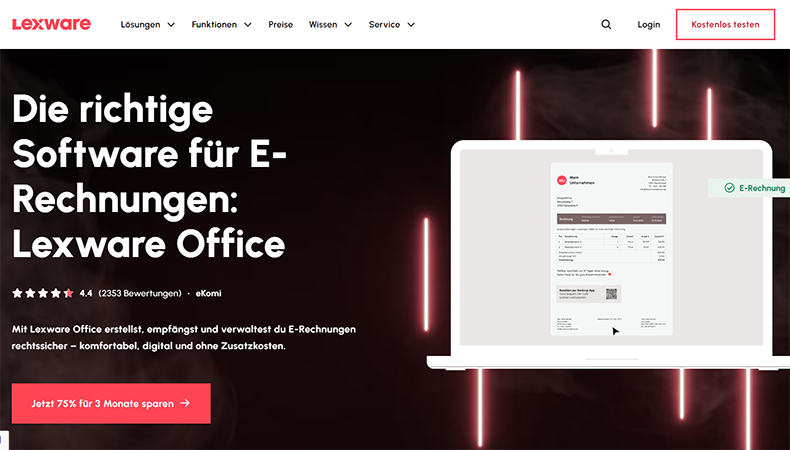
- Billing, Financial Management, and Accounting (e.g., Lexware)
In most cases—especially in smaller companies—these are standalone solutions. This means that the company uses not just one, but several clouds from a wide variety of providers.
Nevertheless, on the whole, the use of cloud services usually results in a significant increase in productivity. This is especially true when employees work in a hybrid model, from home, or on-site. This is because they can access all important data via laptop or smartphone. As a result, changes or delays that arise on-site are quickly visible to all relevant colleagues. This eliminates the need for lengthy phone calls or communication via messaging apps.
However, using many different cloud services in a print shop can also lead to problems. This is because free or low-cost cloud subscriptions—such as Apple iCloud—are expressly not intended for professional use. The provider can therefore quickly suspend the account due to a violation of the terms of service. This results in the loss of access to important company data—and possibly even valuable hardware.
When using many different cloud services, there is also always the possibility that data transfer errors may occur during manual copying or automatic synchronization. Data protection issues can become particularly tricky when using cloud services with locations in non-EU countries.
Finally, there’s also the question of cost-effectiveness. In most cases, the monthly fee per user for cloud services is relatively low. However, even just a handful of apps and services can quickly become expensive for companies with as few as a dozen employees. On top of that, there’s the administrative overhead involved in managing the cloud subscriptions alone.
Creating Efficient Cloud Solutions
Using a variety of cloud solutions for the different areas of a printing company’s operations is particularly appealing to smaller businesses. This is because the individual services are often quite easy to set up and use.
Comprehensive cloud solutions for the printing industry—such as those from the Agfa Asanti family, Caldera Primecenter, Roland DG Connect, or HP PrintOS —cover a large part of the process chain, from the online store to invoicing, within a single cloud application. However, installation and initial setup can be quite time-consuming.
This is because extensive business processes must be mapped out within the company. In addition, many solutions operate in a hybrid manner, meaning that, in some cases, additional software must be installed on-site. In many instances, print service providers must bring in independent consultants or staff from specialty retailers and system integrators to do this. This may result in significant initial investments.
If the implementation of cloud services at a print shop is professionally managed, further automation steps are also possible. For example, audit-compliant email workflows can be set up, such as with Konnect Email.
Cloud services also typically feature APIs (Application Programming Interfaces). These interfaces enable different software applications to communicate with one another and exchange data or functions. This makes it possible to integrate existing office applications with software for production planning and control, finishing, and logistics. The result is a seamless, transparent workflow in which many tasks can be completed from anywhere in the world.
Is the cloud a worthwhile long-term investment for print shops?
The vast majority of printing companies and advertising agencies are likely already using cloud solutions, even if they’re just individual apps on employees’ smartphones. Without MS SharePoint, Google Cloud Storage, mobile email, or on-demand server and computing capacity—such as that provided by AWS—many printing companies would no longer be able to conduct their day-to-day business.
However, not all printing service providers have yet taken the next step toward improving efficiency. This is because networked cloud services that map all key business processes eliminate many common sources of error. This creates modern, flexible workplaces that are attractive to highly qualified employees and draw in young talent.
At present, however, comprehensive, well-tailored cloud solutions for small businesses are often still too complicated or simply too expensive. Hopefully, simple, practical services tailored to their needs will become available in the future.
Because one thing is already certain: Artificial intelligence will take the topics of cloud computing and efficiency to a whole new level—even for printing companies. Companies in the printing industry that are unable or unwilling to keep up in this area will, at best, only be successful in very small niches in the future.
Discover more content on the topic of automation