
Everyone’s talking about color management in digital printing. It often sounds complicated and time-consuming—and almost impossible for beginners to understand. That’s why we’re presenting the basic facts here, in a short and simple way.
Color management—what exactly is it?
Devices such as cameras, monitors, and printers display colors very differently. Red might appear pink on one device and then almost orange when printed. Color management compensates for these differences so that, in the end, everyone has the same “color target.”
What causes the differences in color rendering?
Colors often look different on different devices because the technology behind the images works differently:
1. Color Systems and Gamut
Monitors and smartphone displays produce colors using light by blending red, green, and blue (RGB). Digital printers mix colors using ink in cyan, magenta, yellow, and black (CMYK). Photo printers often have additional ink cartridges, such as green, orange, red, or violet. This allows them to reproduce a wider color gamut. Nevertheless, this is often not enough to reproduce the particularly bright, vibrant hues seen on a smartphone display on paper.
2. Lighting and Materials
On screens, colors are seen through light that strikes the eye directly. With printed materials, the light is first reflected off the paper. Brightness, contrast, the paper’s gloss, or the room lighting all affect how colors are perceived.
This is especially true for smartphones, which almost always offer a setting for “vibrant” colors. But even two identical professional computer monitors can display the same shade very differently if they aren’t calibrated.
3. Calibration and Color Profiles
Without a precise description of how a device displays colors, the software cannot perform color conversions with sufficient accuracy. This leads to discrepancies between the screen, mobile devices, and the printed output. When you create an ICC profile, it serves as a kind of instruction manual for the device on how to convert colors in a defined environment.
Color Management in Simple Steps
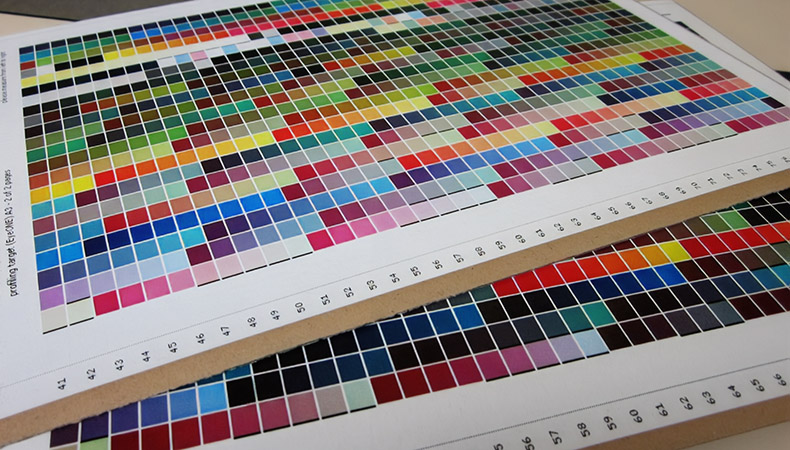
Color management always requires a defined environment. This includes, for example, the monitor, lighting, RIP software, digital printer, ink, and the printing substrate. If one or more of these factors change, you must create new profiles. To do this, follow these steps:
- Calibration: Adjusting a device so that it more closely conforms to a standard (e.g., screen brightness, white point).
-
- Profiling: You measure how a device actually renders colors and save these measurements in a color profile. This profile is stored in the software—for example, in the design program or in the RIP.
- Check: You perform a test print or a precise simulation on the monitor (soft proof) to see what the final product will look like.
The performance of the devices may change over time. For example, monitors may become darker, or the nozzles on a digital printer may become clogged. That’s why you need to repeat the process every few weeks if you want to achieve particularly good results.
Here’s what you need for color management
For color management, you need at least one measuring device, profiling and management software, and RIP software. These three work together to ensure that colors look as similar as possible on the screen, in the proof, and in the print.
Measuring Instruments
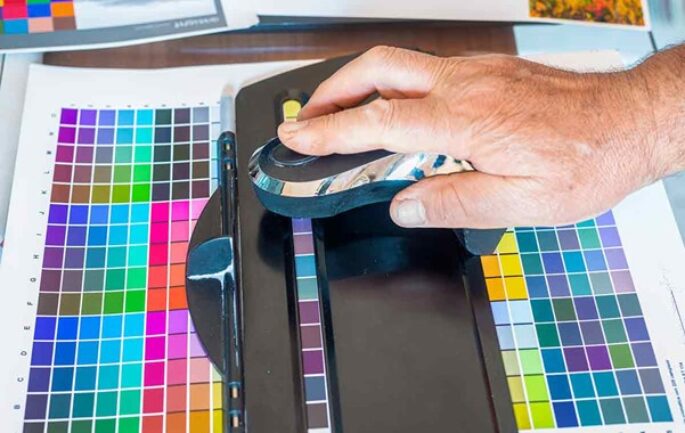
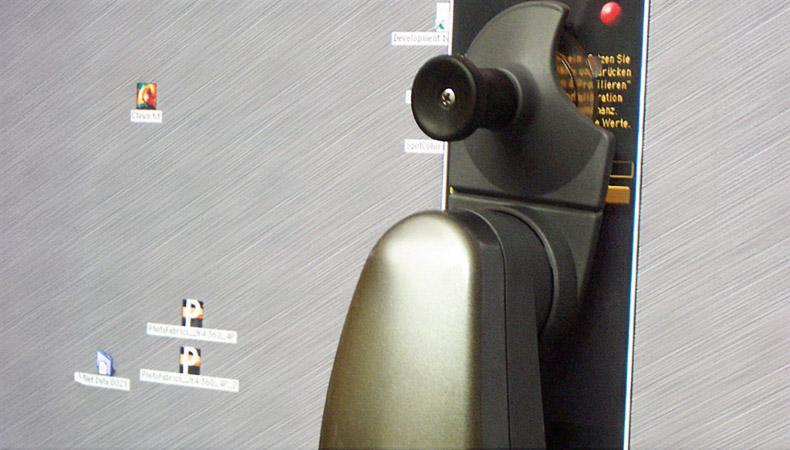
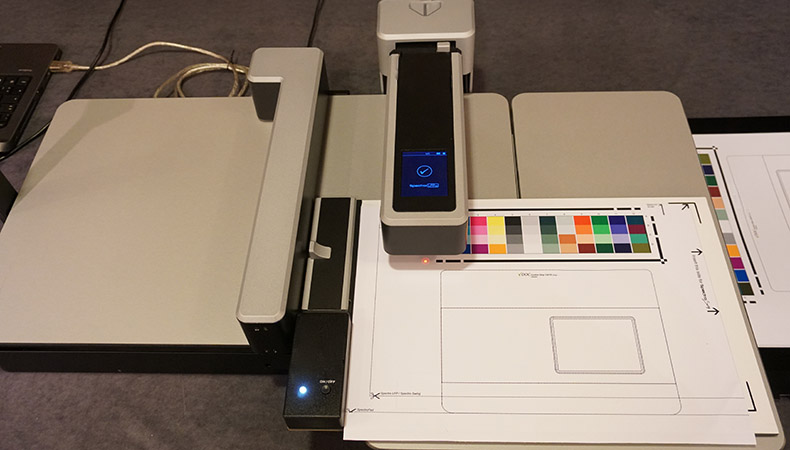
Color measurement is typically performed using a spectrophotometer, such as one from Barbieri, or a colorimeter, such as one from Datacolor. These instruments are used to accurately measure the actual colors of a print on paper or on a monitor. To do this, you print out a test chart or display test images on the monitor. These measurements form the basis for creating an accurate color profile later on.
Profiling and Management Software
These programs use the measured values to calculate what is known as an ICC profile. An ICC profile precisely describes how a device displays or prints colors. The software also helps determine how colors are handled when converting from one color space to another; this is called rendering intent. RIP manufacturers such as Caldera, Colorgate, Ergosoft, Onyx, and SAI often integrate such solutions into their programs or offer modular add-ons.
RIP Software
RIP stands for Raster Image Processor. It prepares a file for printing. To do this, it converts the colors from RGB to CMYK. It then creates the raster—that is, determines where the ink droplets must be placed. In doing so, it takes into account the printer’s specifications, such as the number of ink cartridges or the resolution. The print result may vary slightly depending on the RIP used.
Certifications, Standards, and Color Management
Certifications are marks of quality that indicate a digital print shop operates according to established standards and delivers consistent quality. To obtain certification, a digital print shop must document that it follows specific procedures: measuring and calibrating equipment, creating ICC profiles, printing proofs, and recording measurement results.
To achieve certification such as ISO 9001 (quality management), color management is therefore essential in a printing company. Without it, the required color targets cannot be reliably achieved.
The color goals to be achieved depend on the standard a print shop intends to follow, such as the ProcessStandard for Digital Printing (PSD).
Benefits of Color Management in Business Operations
Color management helps prevent printing errors. When colors remain consistent, you don’t need to reprint as often, and you waste less material and time. The company comes across as professional, and its customers are satisfied. Should a complaint ever arise, the cause of the error can be quickly identified. Alternatively, the company can demonstrate that the deviation is still within the limits required by the standard.
A well-organized color management system also makes workflows faster and more predictable. As a result, overtime is less frequent, and employees don’t have to sacrifice their free time.
In short, good color management leads to fewer errors, better quality, and more satisfied customers and employees.
Learn more about color management