Discover how modern wide-format RIP software goes beyond standard image processing to optimise your print production. This guide covers essential workflow features—including tiling, nesting, colour management, and ink saving—while comparing top industry solutions like Caldera, Onyx, Agfa, and Durst to help you streamline multiple print devices efficiently.
Every type of print technology, from offset and flexo presses through to toner and inkjet devices needs a Raster Image Processor or RIP to convert the design to be printed into a halftone pattern of dots. But the wide format sector was ahead of the curve as one of the first areas to truly embrace inkjet and so wide format RIPs have always been a bit different to those RIPs used in other print sectors, and have included many functions beyond just the RIP’ing.
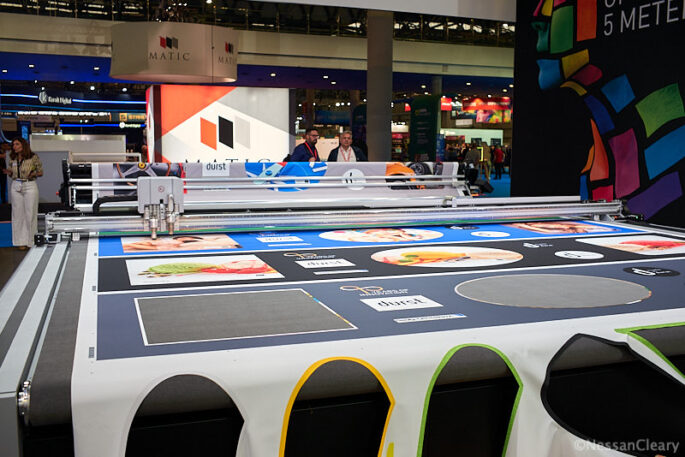
Consequently, most wide format RIPs also include some capability to edit the files without having to go back to the design software. That could include rescaling and cropping files and interpolating the images within those files to improve their print resolution. Any decent wide format RIP should be able to split jobs into different tiles, such as the panels needed for a vehicle graphic, and also able to nest different jobs around each other to reduce the amount of substrate that would otherwise be wasted. In addition, the RIP should be able to add bleed, crop marks and cut marks.
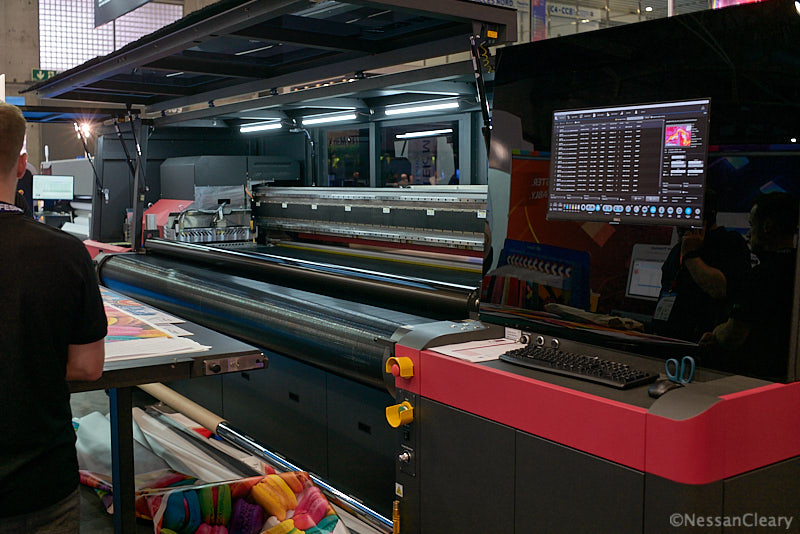
Most modern RIPs will now also include some degree of colour management, but this varies between RIP vendors, and may involve an optional add-on. Nonetheless, any RIP should be able to read ICC profiles, and to create new profiles, and some may also be able to edit profiles. They should also be able to access spot colour libraries such as Pantone, and to match and replace spot colours. More advanced RIPs may also offer some level of ink saving, based around optimising the amount of each ink that is used to reproduce a given colour.
Some printer manufacturers will supply their own dedicated RIPs with the drivers to run their printers, and these may well offer the best value for money when buying a single printer. Some of these RIPs may even be able to drive machines from other vendors. But generally speaking, if you have multiple machines from different vendors then you will probably need a third party RIP to drive them all, which will be much more efficient than having to train staff for many different types of RIP.
Some RIPs can be scaled to drive up to five printers of a similar type, though you will almost certainly have to upgrade the RIP server hardware to handle the greater volume of data. The main advantage of having one RIP drive several printers is that you can centralise some of the features, such as the colour management and the job queue, and can balance the work load between the different machines.
The alternative is a workflow program, which can be seen as just a more heavy duty RIP software and which will be able to run an unlimited number of different print devices. A workflow will group all of the above features together as prepress, to be kept separate from the actual printing or output. This makes it easier to manage the print queue for several machines, and switch jobs quickly from one to the other if there’s a problem. Moreover, it’s easier to run more machines with fewer operators.
There are a number of different third party RIPs available – too many to go through them all here – so we’ve picked out some common features to give a flavour of what’s available.
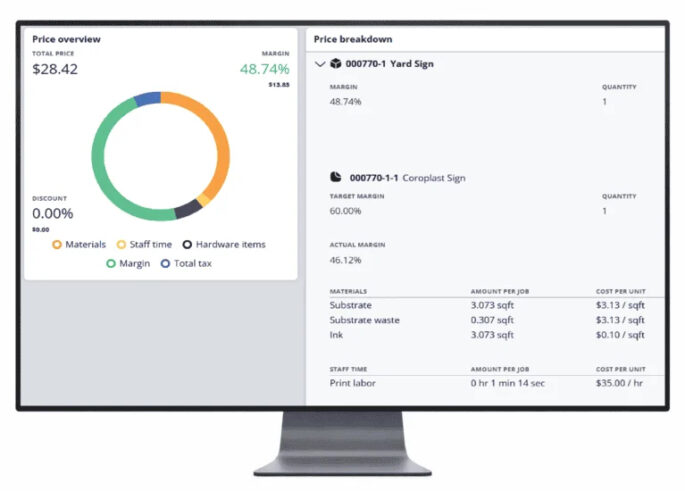
One of the most common is the Caldera RIP, now at version 19. This is based on Adobe’s PDF Print Engine 7 and can run under either Mac or Windows. It includes support for cutting devices. There are a number of different modules, including CostProof which calculates costs for each job to help with estimates and cost management. Other modules extend the features around colour management, cutting and overall performance.
It’s available as either a subscription or perpetual license, with different levels to choose from for each. It’s supplied with one print driver but is possible to add up to five drivers in total – though those paying through a subscription can run an unlimited number though all from a single seat and user log-in.
Another option comes from Onyx Graphics, which sells a number of different RIP programs, all based on the Onyx 25 RIP that is itself based on the Adobe PDF Print Engine. These start with the entry-level RIP Center, which includes colour matching, nesting and cut-only workflows. Next up is the mid-level Postershop, which adds support for white ink, ICC profiling and multiple printers. Then there’s Onyx Thrive, which offers better spot colour matching and comes with multiple RIP engines to drive several printers together.
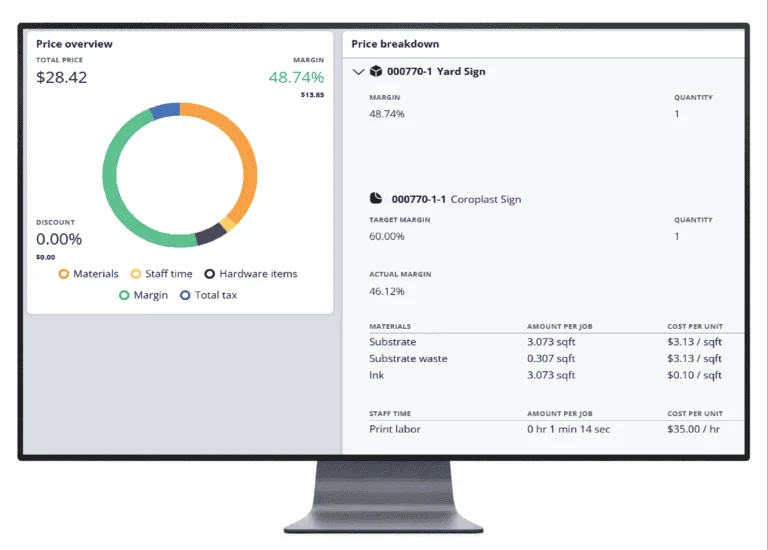
Onyx also offers the basic Go Lite and mid-level Go Plus on a monthly subscription basis. However, the other RIPs require an annual license renewal, which can be seen as just another form of subscription.
Agfa used the recent Fespa Global Print Expo in Barcelona to launch the latest version of its workflow software, Asanti 8. This gains improved layout automation including new Hot Ticket tools such as auto-placement and auto-snapping. According to Michael Dupré, Head of Software Digital Printing Solutions at Agfa, this should simplify complex operations for short runs or personalised jobs.
The Pantone rendering has been improved which should lead to better matching of out-of-gamut colours, and better differentiation between colours while preserving hues. There’s also better integration of Fotoba’s XL cutter series, including automatic custom barcode generation via the Fotoba Cloud for hands-off cutting setup. Asanti 8 also offers a new StackFlow feature to better organise high‑volume multi‑destination print jobs by automatically arranging printed items according to delivery location.
Durst’s Workflow software runs in a standard web browser and is based on a Helix Harlequin RIP. It can RIP several jobs in parallel, sending up to four to a printer at once. It includes a PDF editor, as well as tiling and nesting functions and can automate a number of functions such as adding bleed or die-lines. It includes tools for matching colours, and for optimising ink usage. Durst has now integrated GMG’s colour management, which makes use of spectral data with device link profiles, which Durst says will lead to more consistent colour matching across different media types.
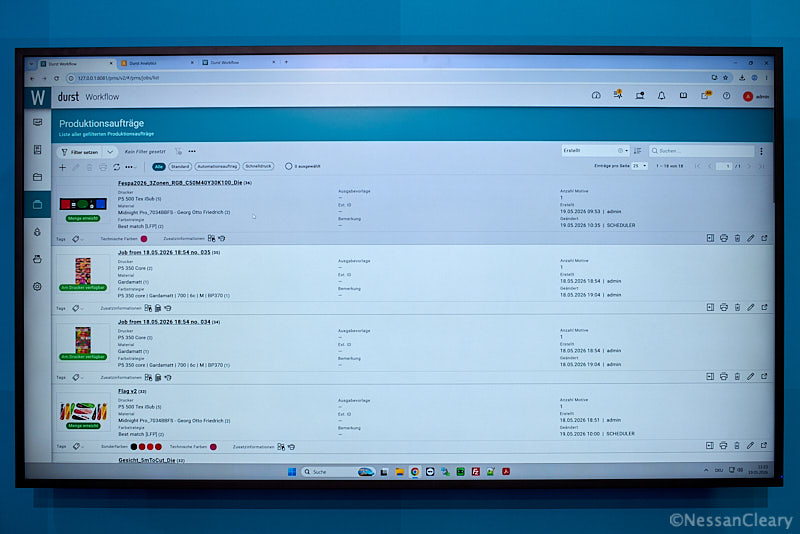
The Durst Workflow also drives its label and packaging presses, as well as non-Durst printers. It can also be integrated into Durst’s Ecommerce and ERP systems.
Some RIPs are sold on a subscription basis meaning that you will have to pay a regular amount, usually every month instead of a on-off upfront purchase fee. This can help with budgeting and may unlock extra features. On the other hand, a perpetual license allows you to choose when you want to pay to upgrade the software or to wait until other related software, such as a plug-in, can also be updated. Either way, you should keep the software as up to date as possible; anything else is a false economy that may risk your overall network security.
Discover more content on software